



5 Tips To Interactive Virtual Training Sessions in Adobe Connect
Speaker

Online Event Producer, Kaleidoscope Training and Consulting
Webinar Recording Details
-
Category
-
Date and TimeWed, Dec 14, 2022 at 12PM Pacific / 3PM Eastern
-
Duration1 Hour
-
Cost$0 (Free)
-
Want Access?Register to view the recording.

Description

Instructional designers say, “It’s not the tool you use that creates interaction, it’s good instructional design that leads to interaction.” When it comes to effective engagement in live learning sessions, the tool matters. Adobe Connect 12 provides structure and uniformity for consistent experiences while offering extreme flexibility for custom activities.
In this session, you’ll learn how Adobe Connect session Hosts smoothly transition between pre-set pod layouts with pre-loaded files that support custom engagement activities. You’ll discover how team members stage content, respond to and escalate questions, and provide support to the presenter and attendees behind the scenes in Adobe Connect. You’ll learn to manage content with inventory layouts.
You’ll learn:
- How to plan, setup, and use multi-pod layouts to support custom interaction
- Configuration options for the Host and Presenter Area to best support presenters and participants
- Why “Inventory” layouts make session room reset/reuse a breeze
- When to use a “Producer-only” layout in Preparing mode
- Simplify wrap up and follow up tasks with easy tricks
This session is designed to be interactive--come prepared to participate!
About Karen Hyder
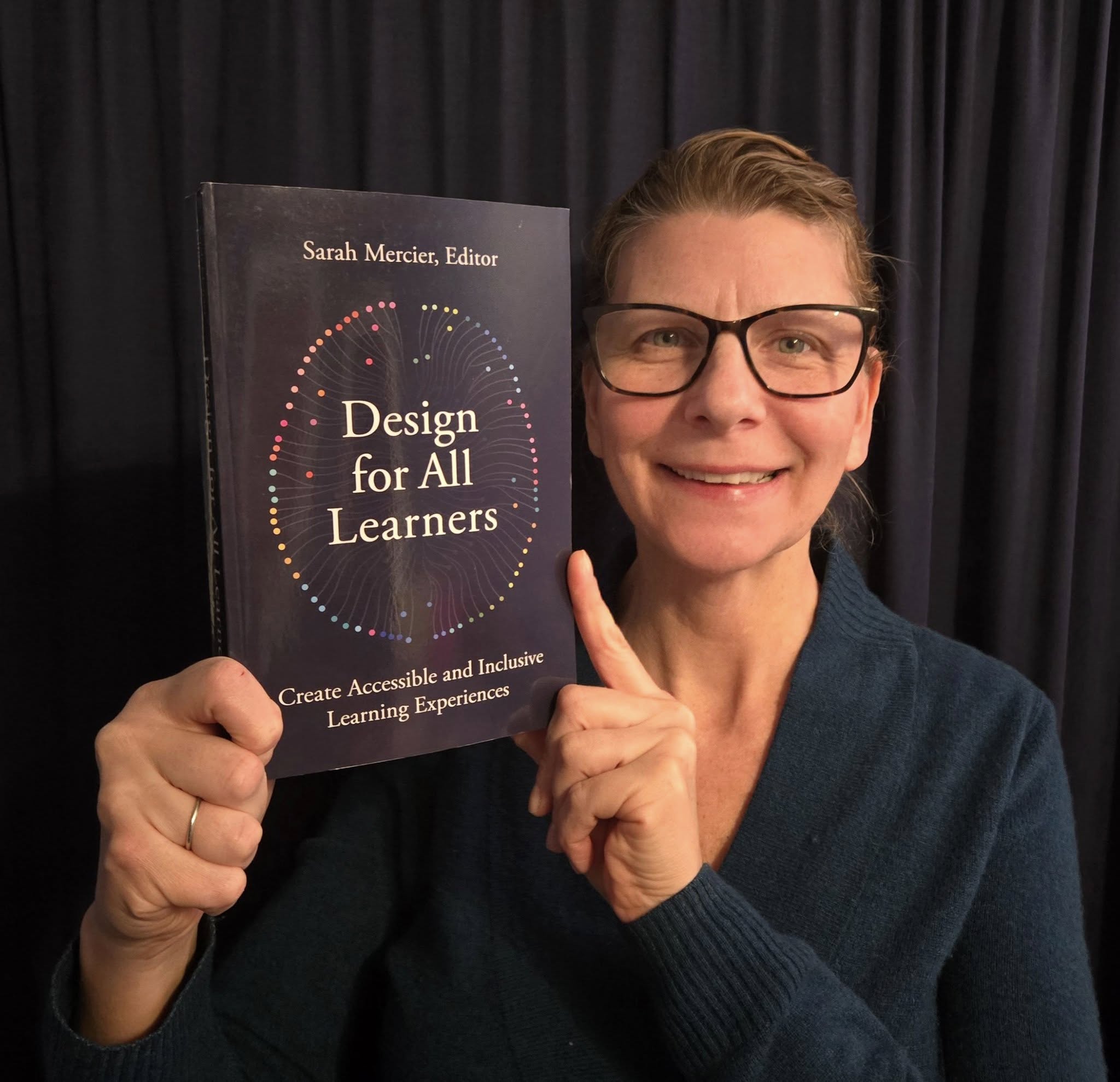 Karen Hyder is an internationally known, innovative voice in the evolving, multifaceted eLearning space. Her insights and practices continue to shape the ways in which instructional designers, software developers, teachers, and leaders achieve meaningful engagement with their learners.
Frequently recommended by other industry leaders for her expertise, Karen contributed to the 2025 authoritative guide: Design for All Learners: Create Accessible and Inclusive Learning Experiences, edited by Sarah Mercier. Featuring stories of lived experiences and practical applications, this comprehensive volume explores best practices in strategic, organizational implementation and standards, as well as considerations for digital content, and physical and virtual classrooms.
Co-author of The eLearning Guild’s Handbook on Synchronous e-Learning (2007), Karen is also the sole author of the 2020 case study: Using a Flipped-Model Classroom with Adobe Connect to Create Successful Learning Experiences. In addition, she collaborated on the 2020 white paper: Top Considerations When Choosing an Enterprise Virtual Training Solution. Industry leaders regularly call on Karen to review and recommend their published works.
Sponsored By



 Digital Sponsors

Share the link for this webinar
Click this to Copy
Embed the link for this webinar
Click this to Copy
Share this webinar via Social Media



